

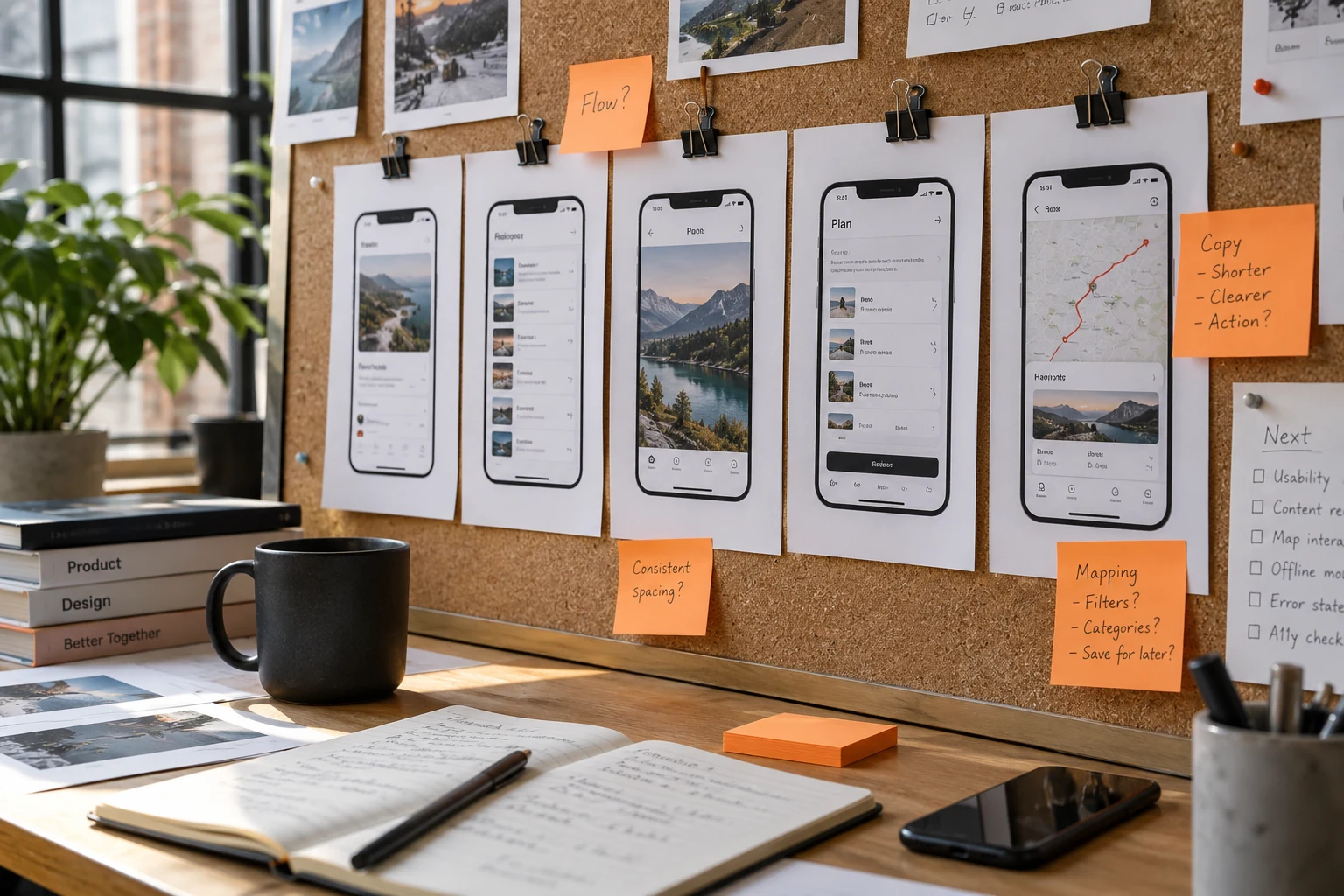
What does my business need before publishing an app on Apple and Google Play?
Prepare company-controlled developer accounts, a stable release, accurate store content, appropriate privacy disclosures and a usable review experience. Confirm current account and testing requirements in each console. Assign responsibility for submissions, review responses and updates; store acceptance is a review decision, not a guaranteed launch date.
The key idea
A finished app and a finished submission are related deliverables. Put both in the release plan.
Keep publishing access under company control
Decide who owns the developer accounts and who receives important notices. Set up authorised team access instead of relying on one supplier’s personal credentials. Check account verification and the information required for your organisation directly with the platform. Record who handles renewals and security recovery.
Worked example: the employee coordinating the app leaves after launch. Another authorised person should still be able to receive platform notices, work with the developer and manage the next release. Treat that continuity as part of handover. Do the same for backend services and domains the app relies on.
Test the real product, including its awkward paths
Choose a release candidate and test the journeys customers will use. Include new and returning users, Arabic and English, failed connections, cancelled actions and denied permissions. Where payment is involved, coordinate a supported test plan with the provider. Use non-sensitive test information and confirm which environments the build contacts.
Apple’s review guidance asks for a complete, working submission and access to account-based functionality. Provide usable review credentials or an appropriate review experience, along with notes for steps that are not obvious. Keep required services reachable during review. Avoid depending on a local office device or an unavailable person to make the flow work.
In practice · illustrative example
Rehearse publishing access before the final week
Imagine the app is ready but the company cannot locate the account used to publish its previous version. The delay is organisational, not a screen-design problem. Check account control, the people allowed to act and the route for recovering access while development is still underway. Ask the supplier to demonstrate the handover using the company's approved access arrangement.
Prepare screenshots and descriptive copy from the version being submitted. Compare them with the actual onboarding, available services and support route. A reviewer or customer should not have to guess whether the listing describes a future feature. Keep an owner for questions and corrections after submission rather than treating the upload as the end of the project.
Publishing is a company handover
-
Control the account
The business knows the owner and the approved publishing roles.
-
Check the product
The submitted version has a working customer journey and support route.
-
Prepare the listing
Descriptions and screenshots represent the actual submitted experience.
-
Own the follow-up
A named person handles questions, corrections and subsequent releases.
Show the app people will actually receive
Prepare the app name, description, category, support contact and screenshots for the relevant languages and platform. Use current screens that demonstrate useful actions. Remove placeholder text, unsupported promises and images that suggest unfinished features. Get the business owner to approve the facts, not just the wording.
Build a release-content checklist that can be reused. When a feature changes, review its screenshots and description as well as the interface. Keep a functioning support route so customers can ask about account access, orders or bookings. Store content is a promise about the experience, not a place to advertise capabilities the app does not have.
Make disclosures match the actual app
List collected information and the external services included in the build. Give the person preparing privacy disclosures the same version and service list the developer is shipping. Google Play’s app-review preparation guidance covers app content, privacy information and reviewer access. Complete the relevant declarations accurately and check current requirements in the console.
Where an app creates accounts, plan the applicable deletion flow and its operational handling before submission. Review payment choices, permissions and any specialised functionality against the current platform rules. Obtain appropriate specialist review when needed; copying another app’s privacy text does not describe your product’s behaviour.
Leave room for questions and corrections
Assign an owner for the submission and for any review response. Keep a record of the build, notes and decisions so the next reply is consistent. If a platform asks for a change, distinguish a content correction from an implementation change and retest the affected flow. Do not announce an inflexible campaign date based only on the day you press submit.
Confirm any testing steps required for your account before planning public availability. After approval, decide who releases, monitors support and handles the next update. Review notices from the platforms rather than treating submission as a one-off project. This helps your company keep the published app and its promises in step.
A worksheet for your team
What belongs in the publishing handover
Check the handover before the last development milestone, while missing ownership can still be resolved.
| Decision | Evidence to request | What to do next |
|---|---|---|
| Account access | The company-approved owner and access responsibilities. | Confirm that publishing does not depend on one supplier's personal access. |
| Listing accuracy | Screenshots and copy reviewed against the release. | Remove descriptions of unavailable functionality. |
| Post-submission work | A person responsible for questions and revisions. | Include follow-up in the delivery plan. |
Keep a release folder containing the submitted version, listing materials and open questions. It gives the next update a clear starting point.
Your release folder should contain
- Company account ownership, authorised contacts and recovery arrangements.
- A tested build with supported devices and reviewed language flows.
- Current screenshots, descriptions, support links and business approval.
- Accurate data disclosures and usable review access.
- Submission, review-response, release and maintenance owners.
Frequently asked questions
Can a developer guarantee approval by a fixed date?
No. Agree on preparation and submission milestones, but allow for platform review and corrections. Approval is controlled by the store.
Should the supplier publish under its own account?
Discuss ownership and continuity before deciding. A company-controlled account with authorised supplier access can make future releases and handover clearer.
Do we need separate Arabic and English listings?
Prepare language-specific content where appropriate and keep it accurate to the app. Check the current localisation options and required assets in each platform console.
Sources and further reading
These primary sources support the specific company or platform information in this guide. Provider descriptions do not imply an endorsement by the source.
Sources checked:
Add submission to the app scope
When discussing an app with GateGold, include account ownership, release assets, review access and responsibility for corrections. These details belong beside development milestones.