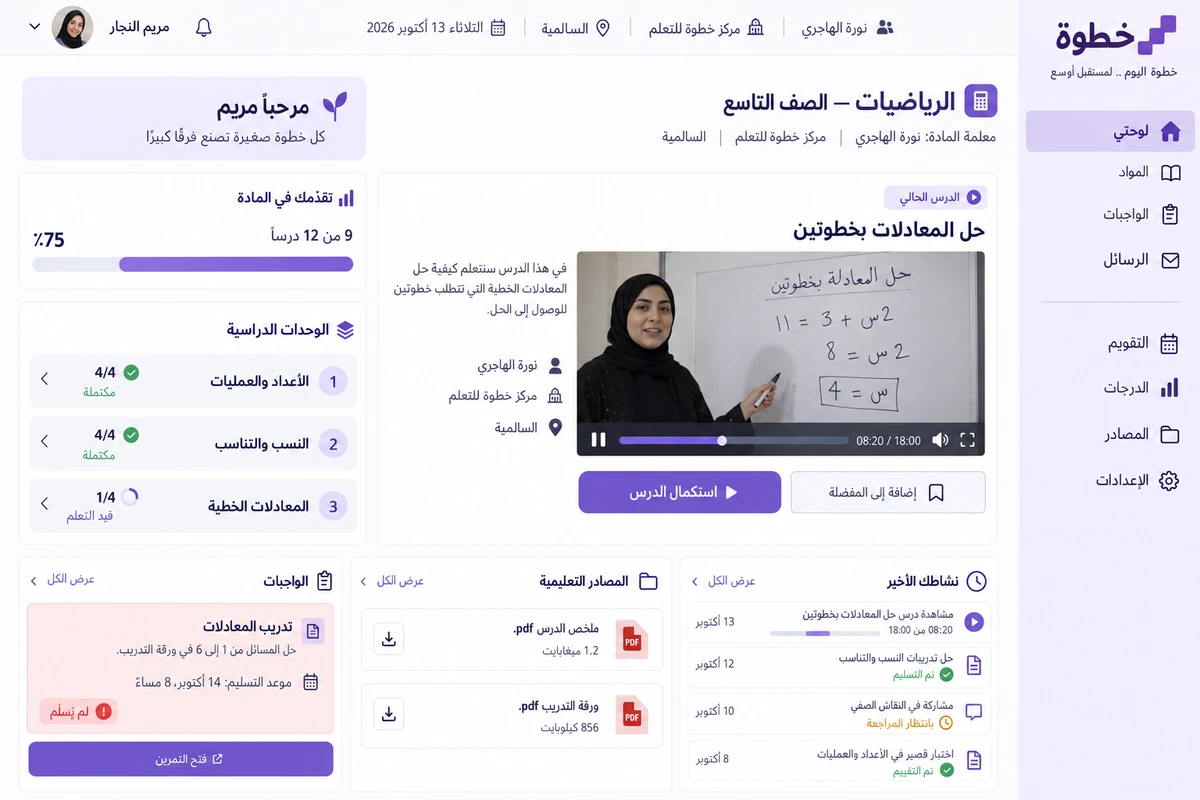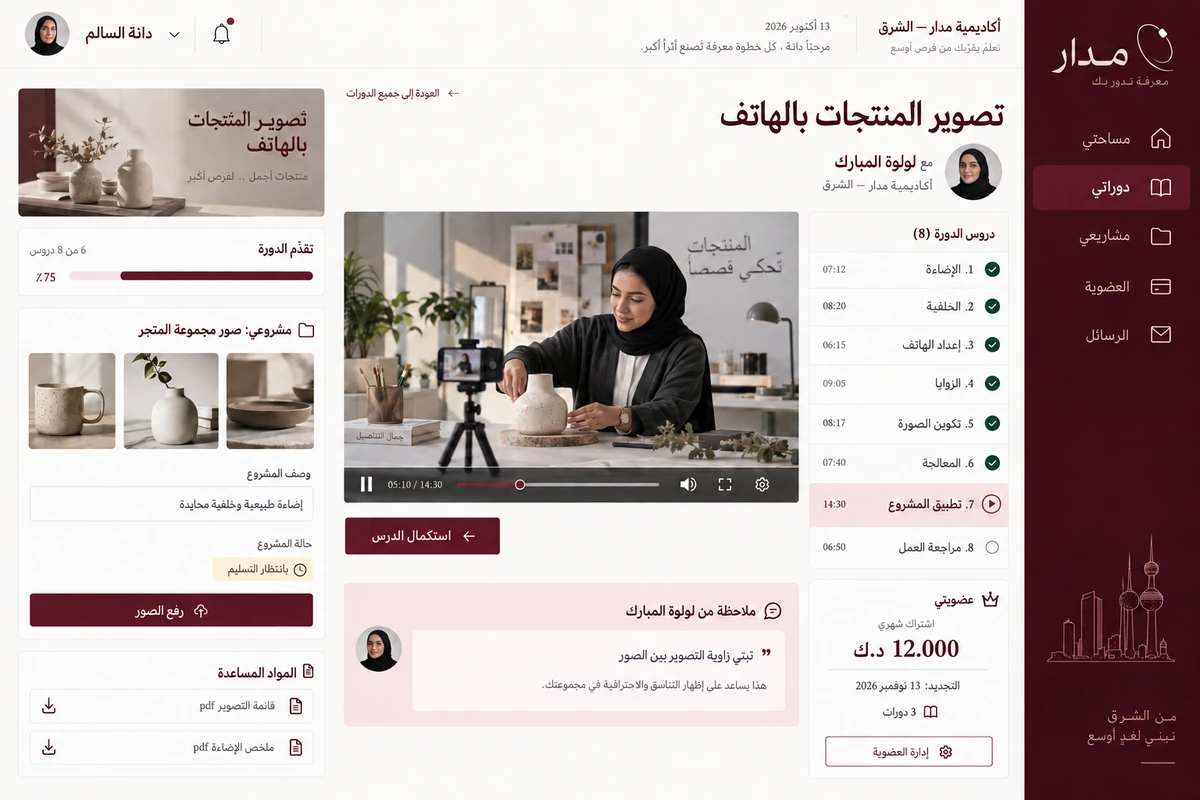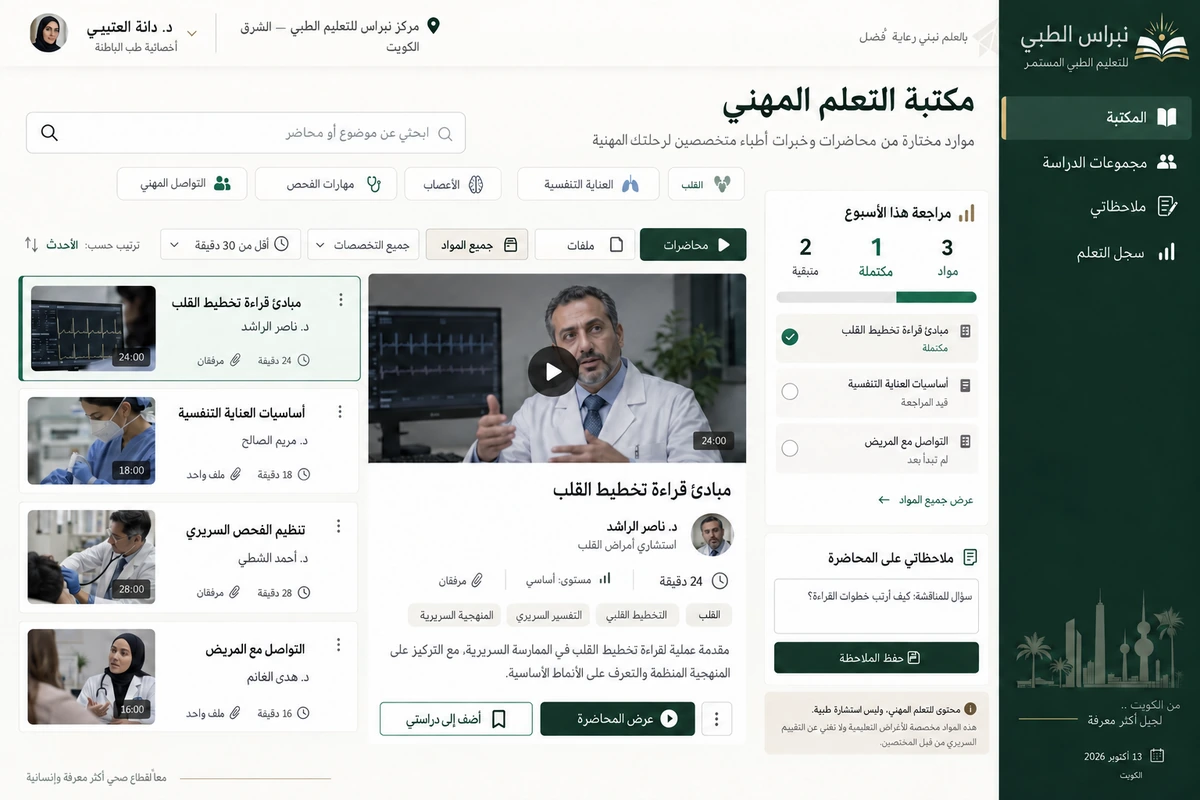

Live classes and interactive learning Design concept
Wasla
A live-class experience for a Kuwaiti tutoring centre that connects teacher, students, whiteboard and resources in one Arabic room.
We designed Wasla for a tutoring centre in Hawalli running small groups after school. The project focuses on a class in progress: an explanation students can follow, a question that reaches the teacher and a resource available without leaving the room. Its identity expresses a direct connection between learning and asking.
Client in the design study
Wasla Tutoring Centre
Hawalli, Kuwait
Project brief
A design study for a fictional Kuwaiti centre needing an Arabic live-class room for small-group teaching, questions and resources.
Design scope
- Arabic identity and live classroom
- Mobile participation and questions
- Connected session records, resources and tasks
01 / The project challenge
The project challenge
A general video meeting and side messages left questions buried among greetings and practice sheets arriving after the explanation. Administrators also had to remind each student of the link and time. The task was to organise tools around one lesson with a title, duration, teacher and clear attendance, rather than add more buttons. Mobile needed its own arrangement instead of a miniature desktop.
02 / The solution we designed
The solution we designed
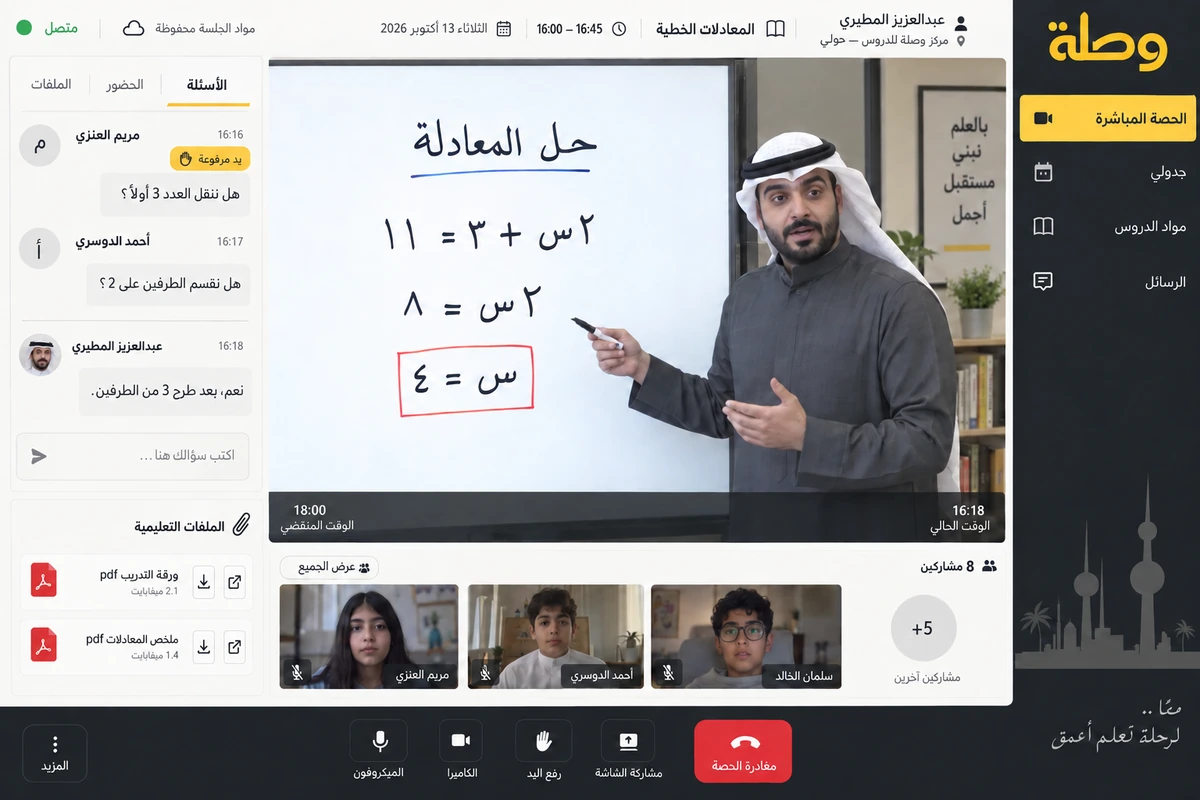
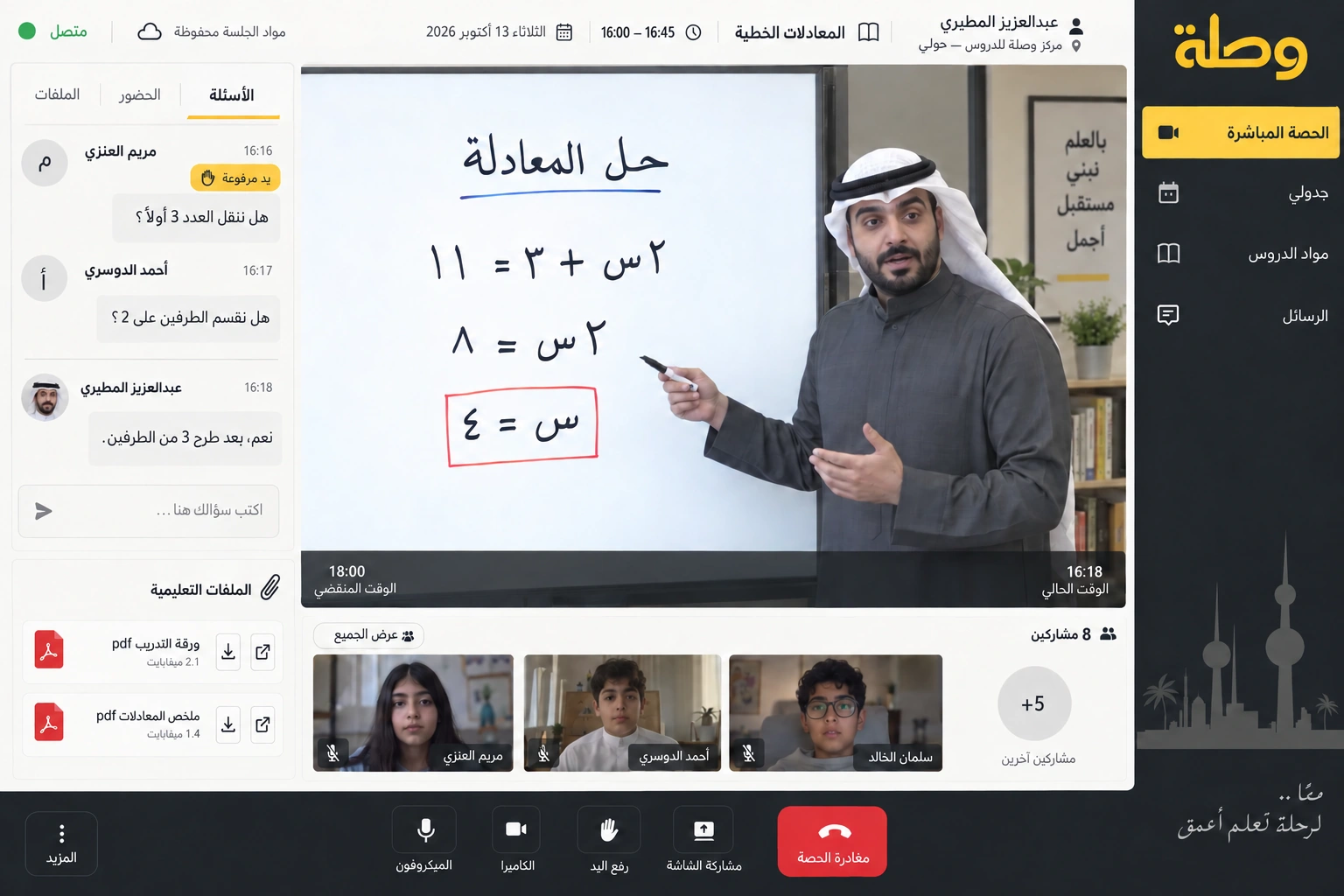
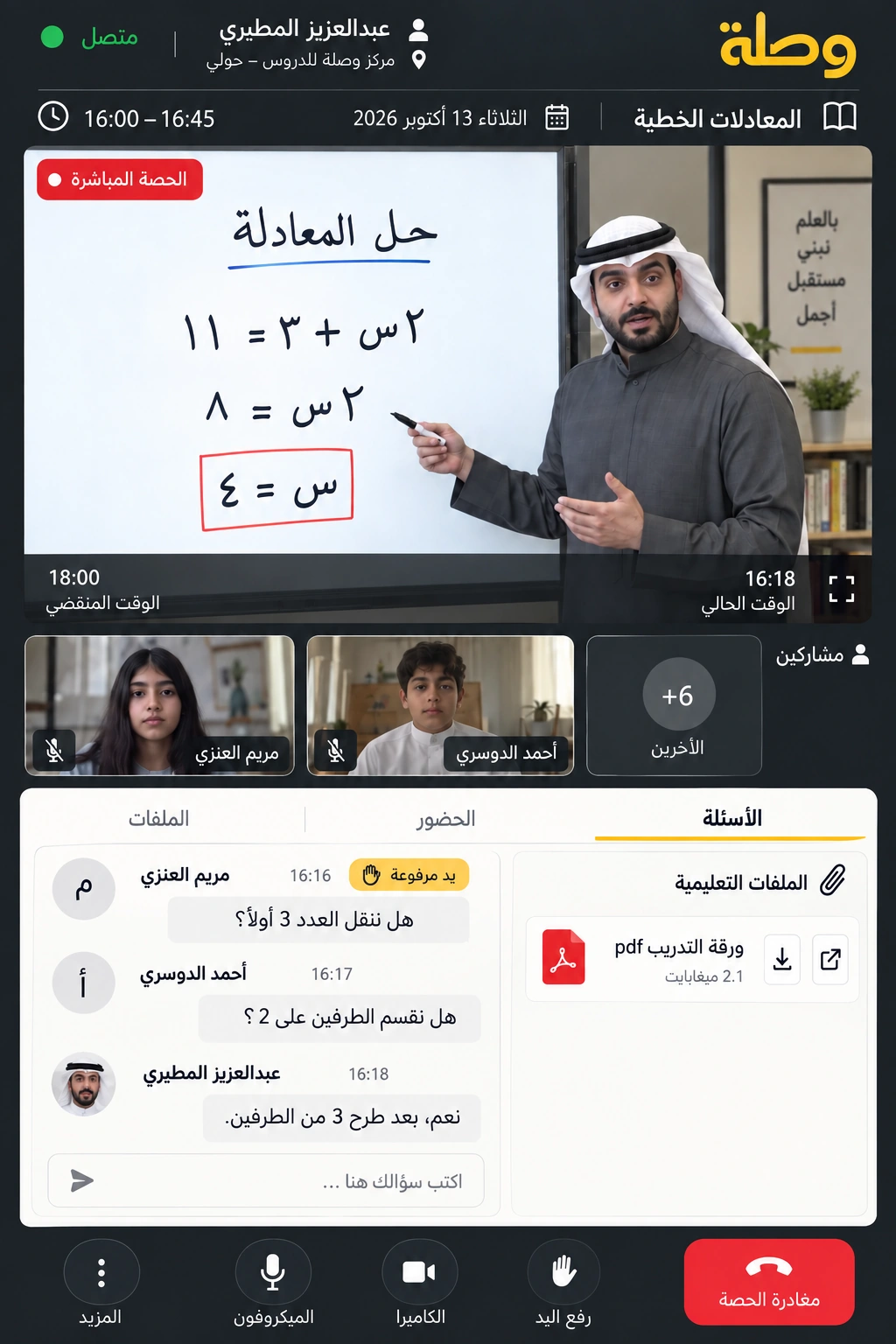
The room has three clear parts: the teaching space, student questions and session files. The linear-equations class names teacher Abdulaziz Al Mutairi and a 16:00–16:45 time window, with eight participants. The attendance total is independent of the small visible speaker strip. Raising a hand is separate from typing a question, and mute and leave controls stay fixed while resources or the board are open.
03 / The experience
The experience
Mariam Al Enezi joins from her phone and sees the explanation and hears the teacher before administrative details. She raises her hand when a step needs clarification, placing her request in the teacher's queue. Ahmad Al Dosari adds a written question about the exercise, and the practice sheet appears under session files. Students can open it while the class continues; afterward, materials and the next task remain in the lesson record.
04 / What it could do
What it could do
Questions that stay visible
Distinguish new questions from answered ones and connect the discussion to the current session.
Teaching takes priority
Give the explanation space the most room while keeping audio and participation controls close.
Session materials
Keep exercise sheets and attachments with their lesson, including a filename, date and clear opening action.
Joining by phone
Rearrange video, questions and files into simple tabs while preserving connection state and exit controls.
05 / A typical journey
A typical journey
Open the session
Check the teacher and class time, then join from today's schedule.
Follow the explanation
Watch the board and raise a hand when a step needs clarification.
Receive the exercise
Open the practice file and write a question in the dedicated area.
Review afterward
Return to materials and the follow-up task within the saved lesson record.
06 / Inside the interface
Inside the interface
Explore the Arabic web interfaces and companion app. The screens share a consistent identity and Kuwaiti sample workflows.
Explore the screens.
Open any screen to explore the complete project gallery.
07 / Design direction
Design direction
Warm yellow and charcoal frame a white teaching board, giving Wasla a different character from a course catalogue. Its Arabic wordmark connects two lines; clear call icons and fixed question areas organise the room. The screenshots use Kuwaiti students and a teacher, legible Arabic and consistent desktop/mobile timing.
Discuss a similar idea