
Professional courses and memberships Design concept
Madar
A Kuwaiti professional-course academy that connects membership, lessons and practical projects in a calm personal learning experience.
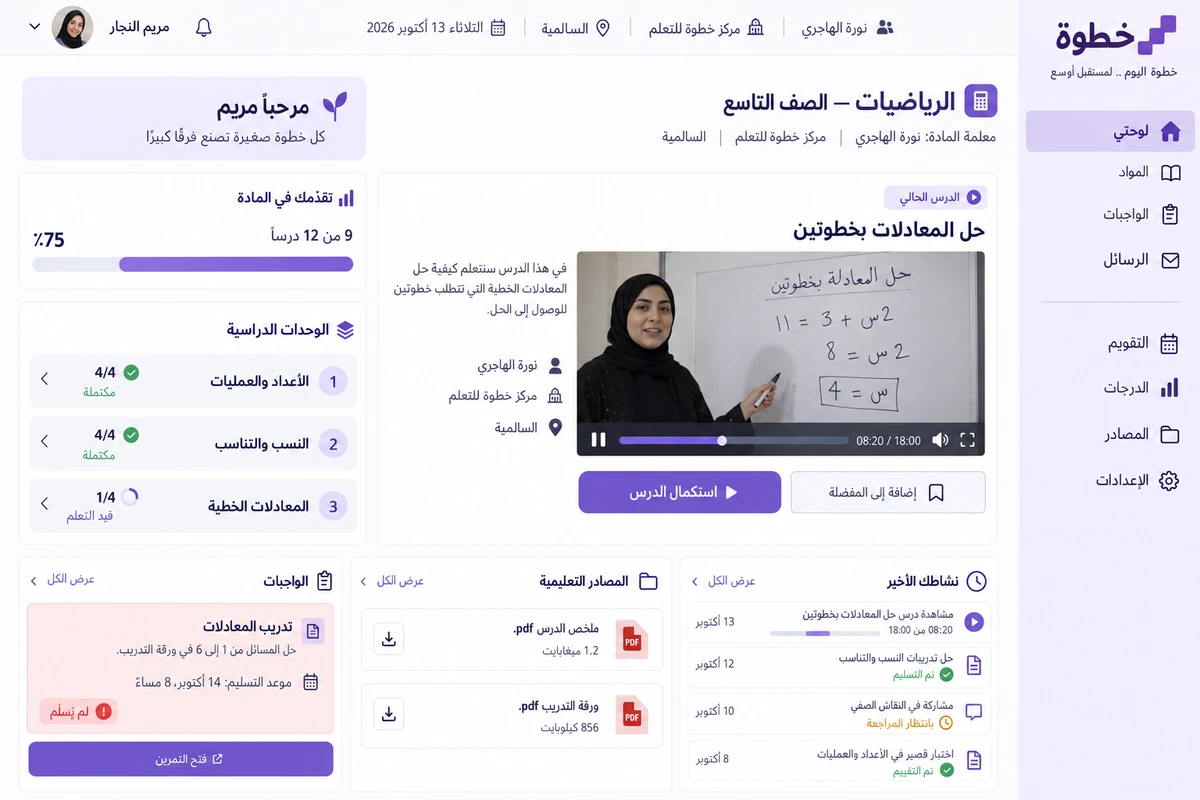
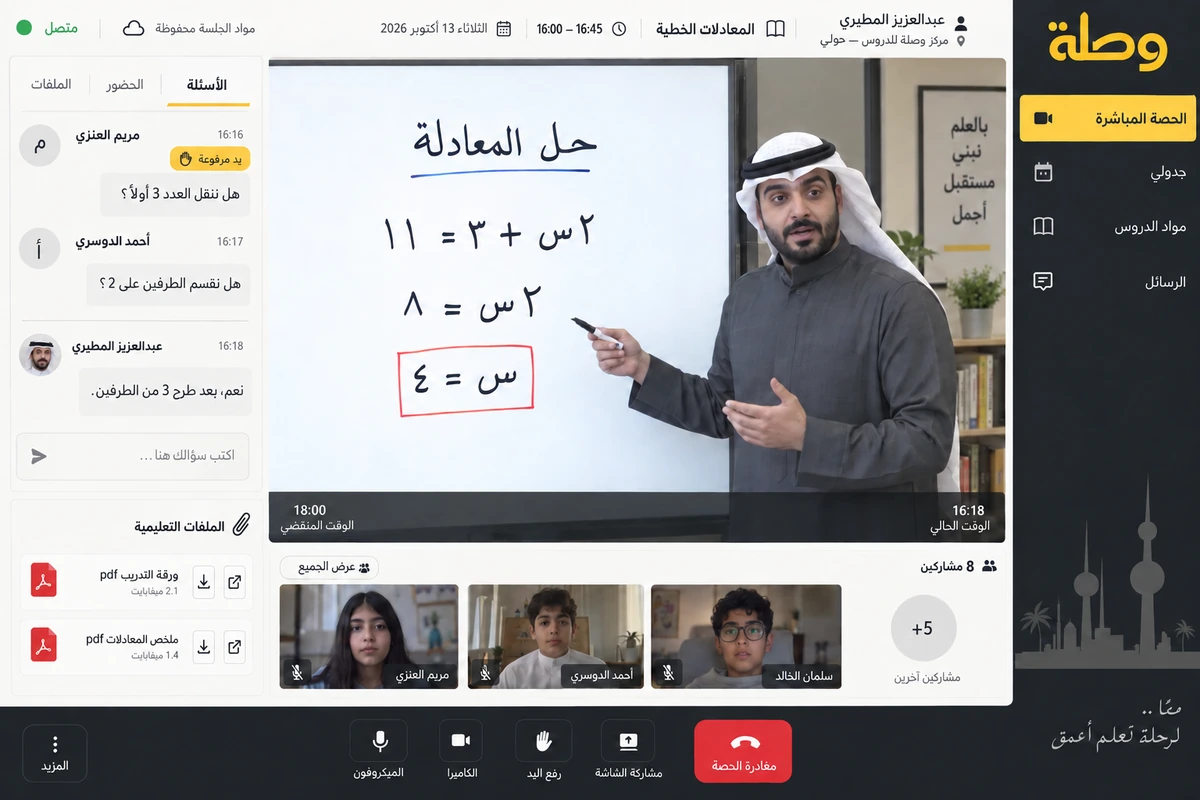
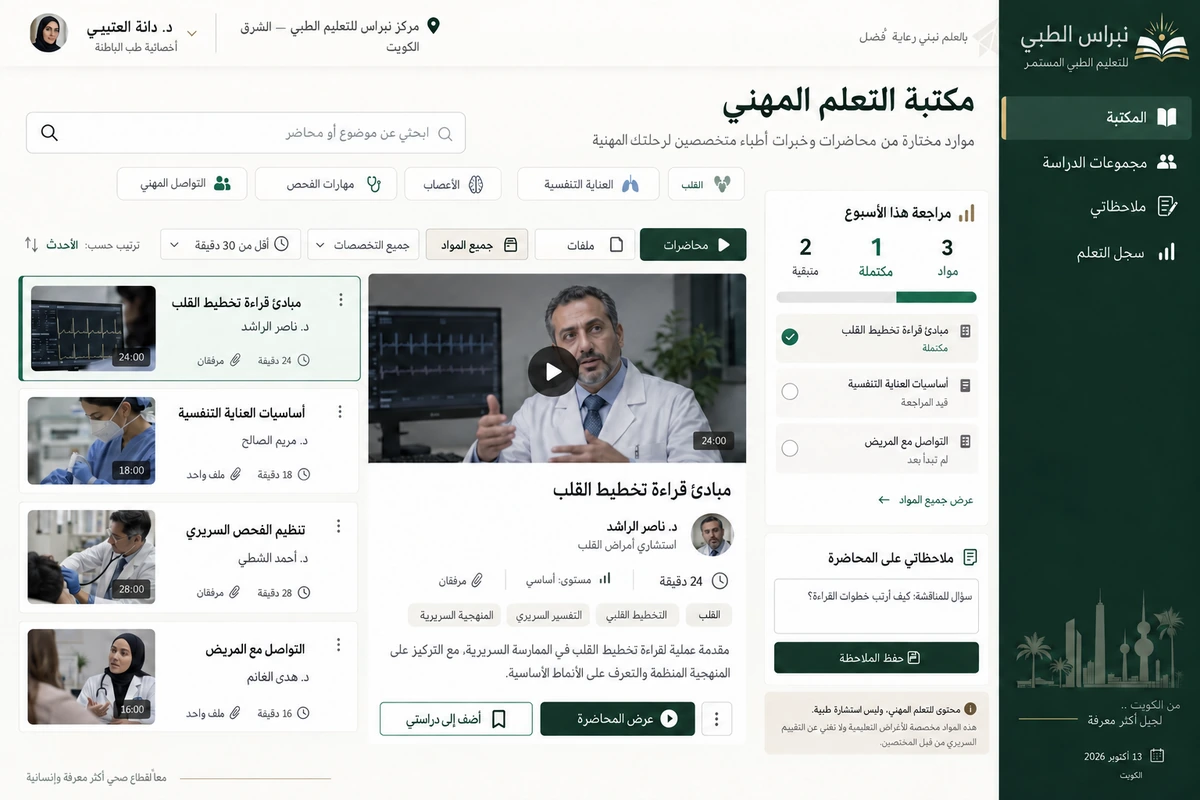
We designed Madar for a academy in Sharq offering practical courses to small-business owners. Its team wanted a structured learning programme rather than an endless shelf of videos. The Arabic identity, course library, lesson workspace and mobile app revolve around a skill learners apply to their own business.
Client in the design study
Madar Academy
Sharq, Kuwait City
Project brief
A design study for a fictional Kuwaiti academy offering practical courses and monthly memberships to small-business owners.
Design scope
- Arabic identity and subscription course library
- Lesson and project workspace with instructor review
- Mobile files, progress and feedback
01 / The project challenge
The project challenge
A compelling course title did not explain the tools, sequence or submission process needed to turn a video into finished work. Membership status was also mixed with course progress, making the end of a billing month look like the end of learning. We separated these paths and kept instructor feedback with each practical project so learners could return days later without starting their search again.
02 / The solution we designed
The solution we designed
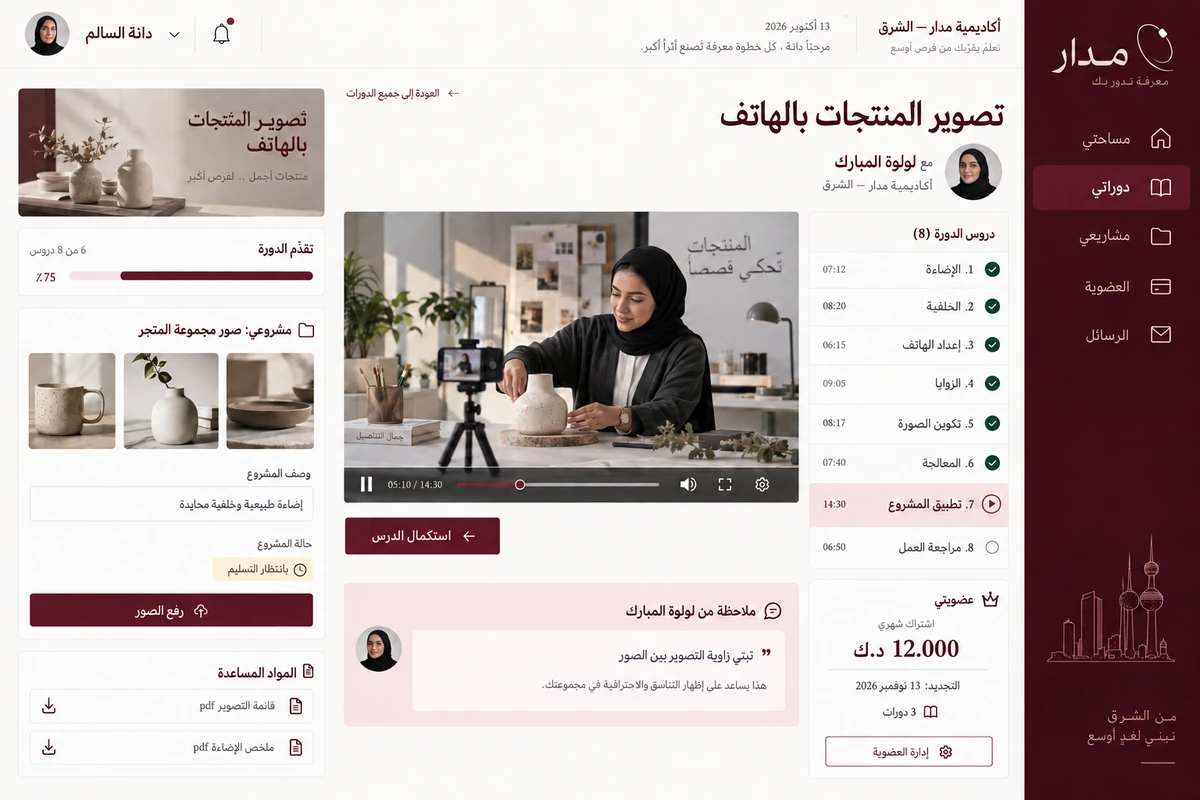
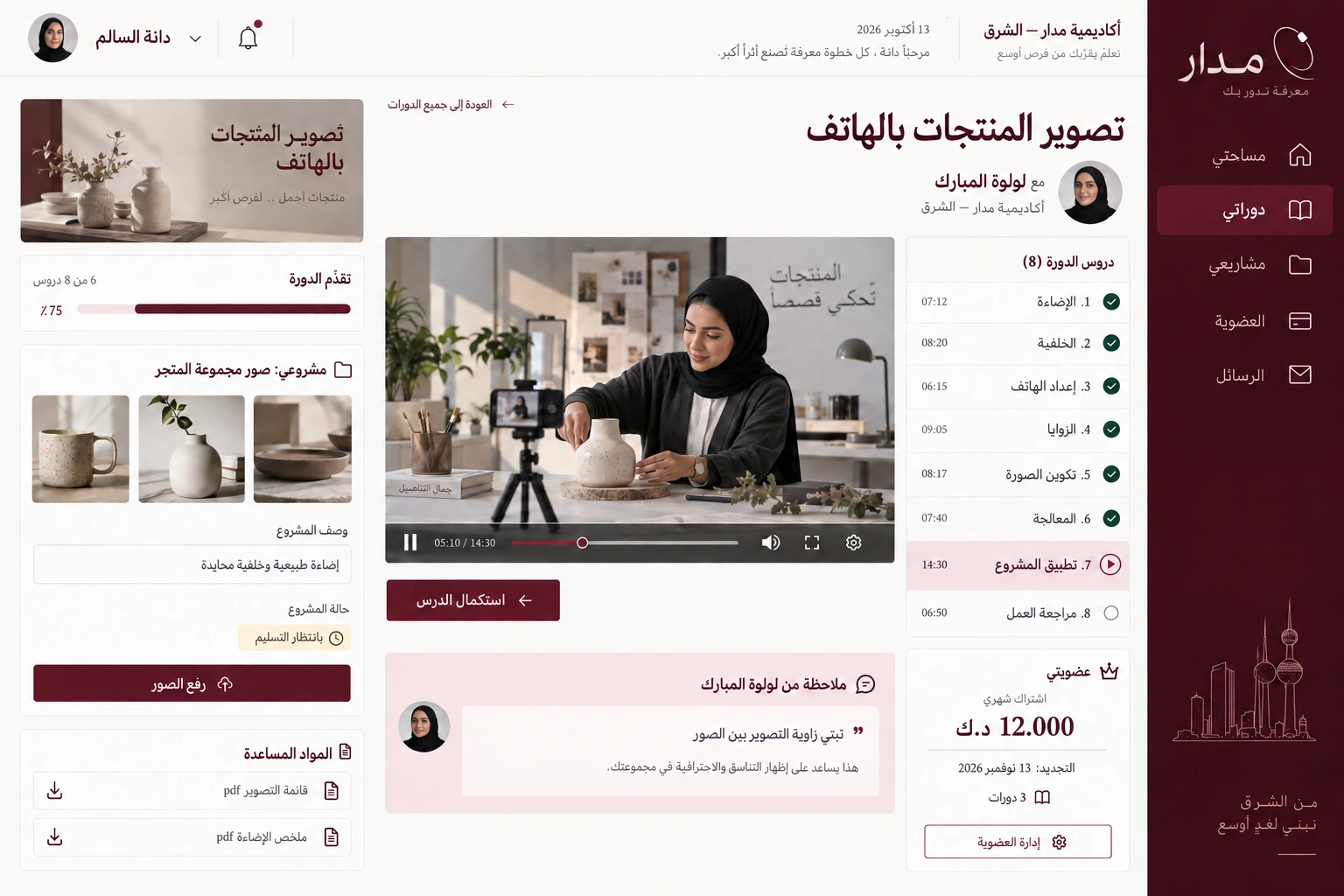
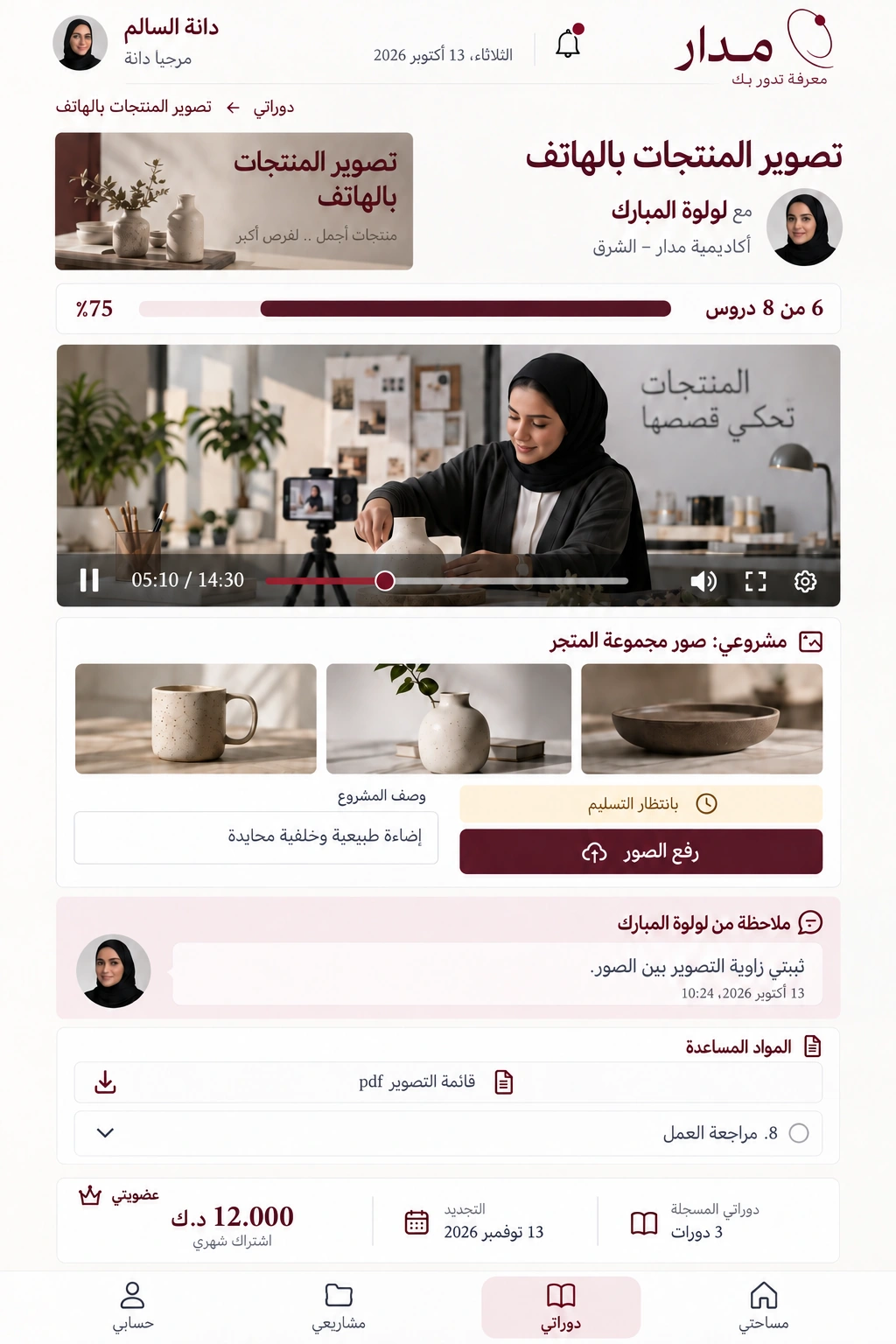
Product photography with a phone, taught by Lulwa Al Mubarak, is the example course. Dana Al Salem has three enrolled courses; the current one has eight lessons, six complete, accurately showing seventy-five percent. Lessons cover lighting, backgrounds, angles and editing before a project and review. A separate membership card shows a twelve-Kuwaiti-dinar monthly subscription renewing on 13 November, independent of lesson completion.
03 / The experience
The experience
Before photographing products for her shop, Dana opens her workspace and finds her project, instructor notes and shooting checklist beside the lesson. She resumes from the saved position, uploads new photographs at the practical step and explains the lighting changes. Mobile lets her consult the checklist while shooting and read the latest feedback, while billing details stay in their own management area.
04 / What it could do
What it could do
Learning around a project
Connect lessons to practical work and explain its required output before the learner starts or uploads files.
Instructor feedback
Keep comments with project photographs and show review status so the next attempt has a clear purpose.
Separate membership
Show price, renewal and account actions without confusing payment with course progress or evaluation.
A mobile checklist
Prioritise working files, the next lesson and feedback when learners are away from their desk.
05 / A typical journey
A typical journey
Choose a skill
Dana checks the course lessons, tools and final practical project.
Continue learning
After six completed lessons she opens lesson seven and reviews the shooting checklist.
Submit the project
She uploads photographs, explains her changes and checks the review state.
Apply the feedback
She reads the instructor's response by phone and reshoots the image that needs improvement.
06 / Inside the interface
Inside the interface
Explore the Arabic web interfaces and companion app. The screens share a consistent identity and Kuwaiti sample workflows.
Explore the screens.
Open any screen to explore the complete project gallery.
07 / Design direction
Design direction
Deep burgundy, ivory space and editorial Arabic headings distinguish Madar from a school interface. An open orbit frames its Arabic mark, while natural product and photography-tool images enrich course content. Desktop and phone share the same identity, figures and dates. Detailed membership, practical projects and personal review make the product read as a specialised academy rather than a generic learning template.
Discuss a similar idea